
Encountering the “Two filesystems with the same UUID have been detected” error during an ESXi host boot can immediately halt your hypervisor’s startup sequence. This issue typically occurs when the host detects multiple storage devices or boot partitions that share the exact same Universally Unique Identifier (UUID). This is a common side-effect of cloning a boot USB drive, SD card, or dealing with duplicate LUN snapshots without resigning the VMFS volumes. Resolving this boot halt is critical to bringing your ESXi host back online.
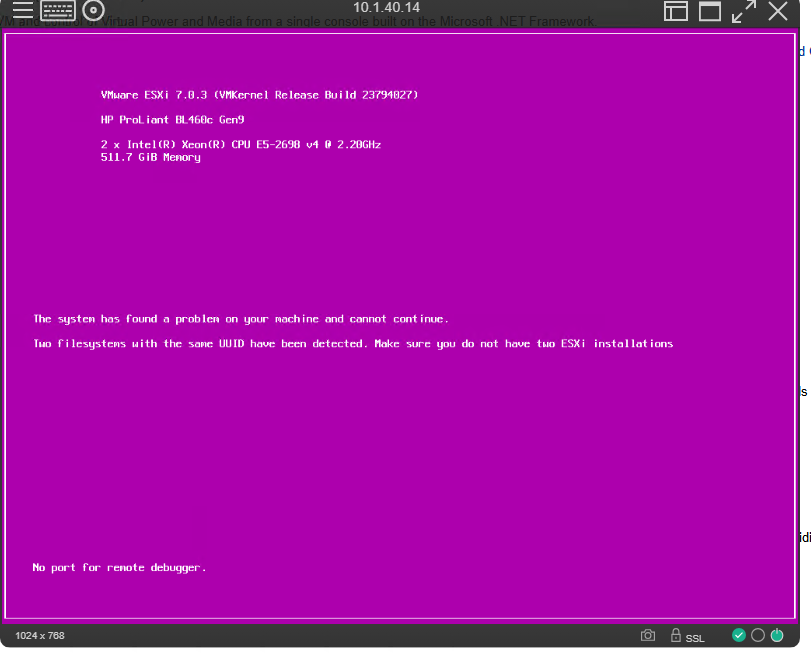
1. The Duplicate UUID Error
During the normal boot process, ESXi scans the available filesystems. If it finds duplicates, it will stop and display an error on the screen, preventing further loading.
2. Reboot and Edit Boot Options
To bypass this halt, you need to intervene during the early boot loader phase.
- Reboot the host, just as you normally would.
- When the ESXi boot loader screen appears, before the automated boot countdown finishes, press
Shift + Oon your keyboard to enter the advanced boot options.
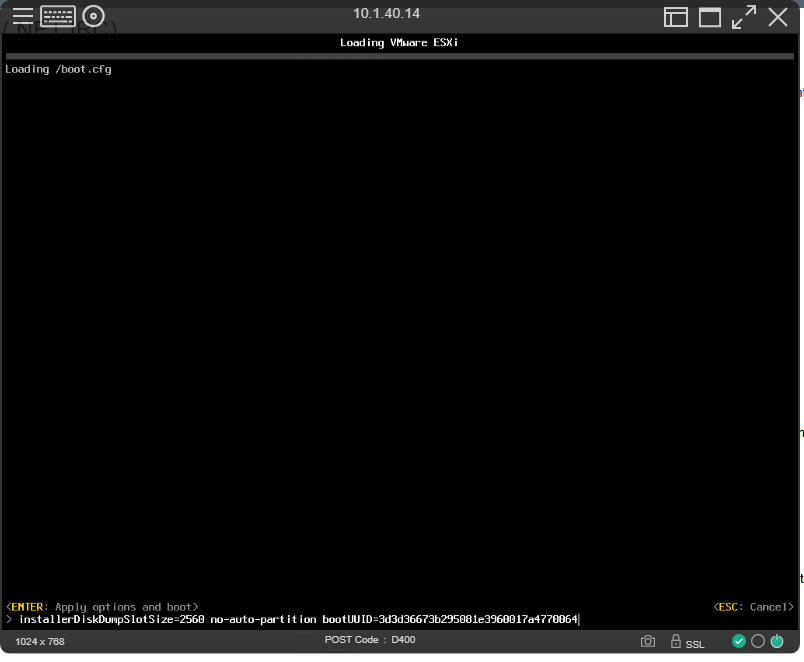
3. Apply Options and Boot
You’ll see a prompt at the bottom of the screen allowing you to modify the boot string.
- Review the boot options. If you need to append a specific override command (like
overrideDuplicateImageDetection), you can type it here. Otherwise, if you just need to bypass the prompt using the existing parameters, simply press Enter to “apply options and boot”.
Conclusion
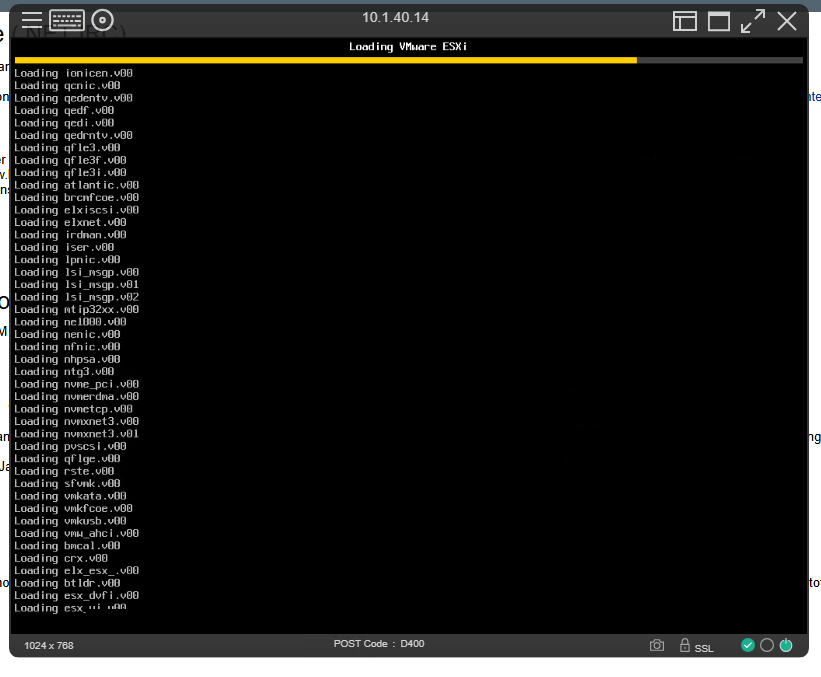
By manually intervening and applying the boot options, you force the ESXi host to acknowledge the configuration and bypass the duplicate UUID halt, allowing the hypervisor to complete its startup sequence. However, keep in mind that this is a temporary override to get the system online. Once the host is booted, you should actively investigate your storage adapters and datastores to permanently resolve the cloned UUID conflict (for example, by resigning the cloned VMFS datastore or removing the duplicate boot media) so the error does not return on the next reboot.