Active Directory (AD) is a Microsoft directory service that allows system administrators to centralize the management of users, groups, and resources on a network.
One of AD’s features is the ability to configure Password Settings Objects (PSOs) to establish security policies for user passwords.
Password Security Objects (PSOs) are different from password policies that can be added via Group Policy Objects (GPOs). PSOs can be used for specific purposes, such as setting a password shorter than the one specified by your domain’s password policy. This can be helpful if you have a system that doesn’t support the currently configured password policy. PSOs can also be used to strengthen passwords for a particular group, such as by increasing the password length or locking users after a single failed login attempt. The options are numerous and should be tailored to your specific needs.
The following describes the steps for configuring PSOs in Active Directory.
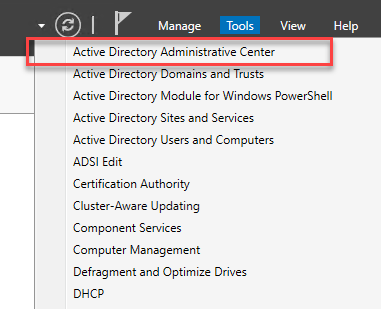
- Open Active Directory Administrative Center
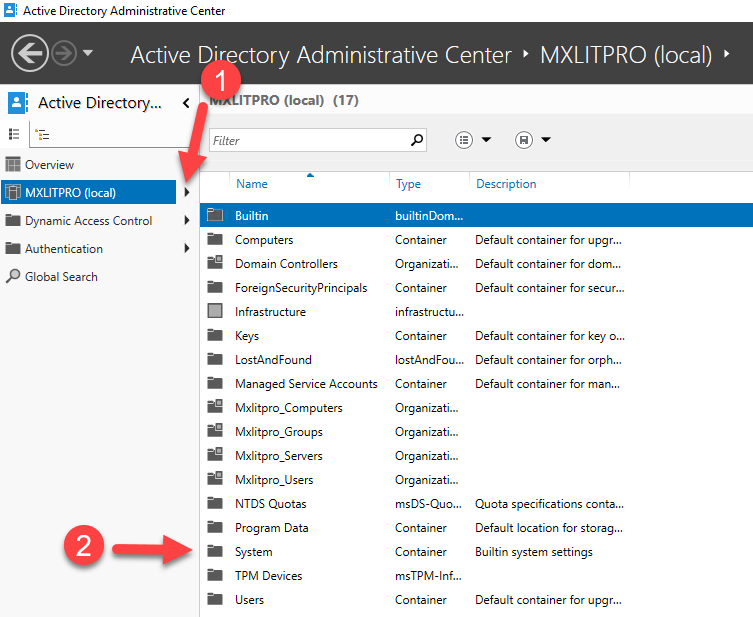
- Expand the domain directory and then double-click System
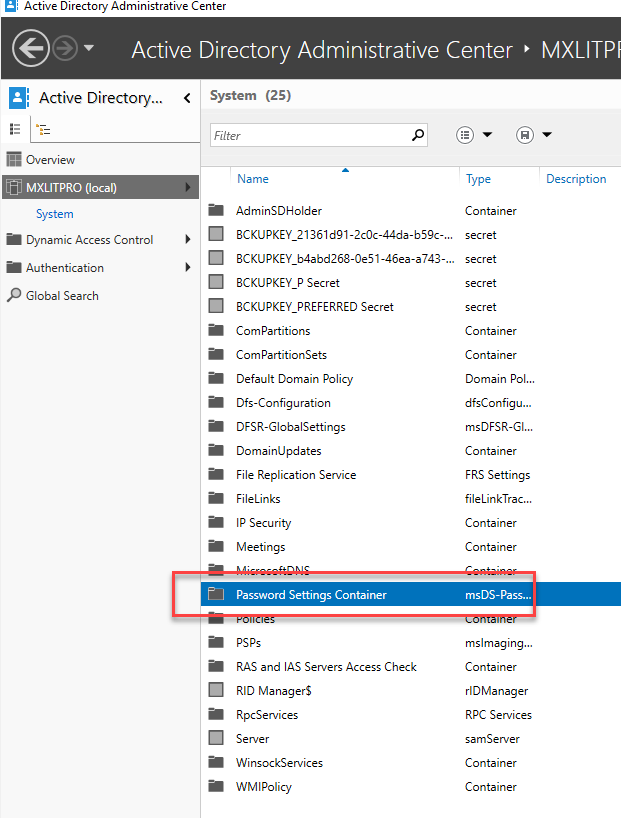
- Double-click Password Settings Container
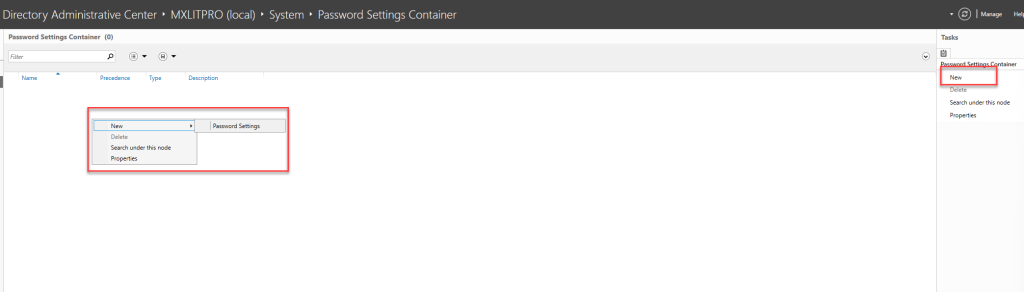
- You can create a Password Settings Object (PSO) by right-clicking > New > Password Settings or by clicking New on the right side.
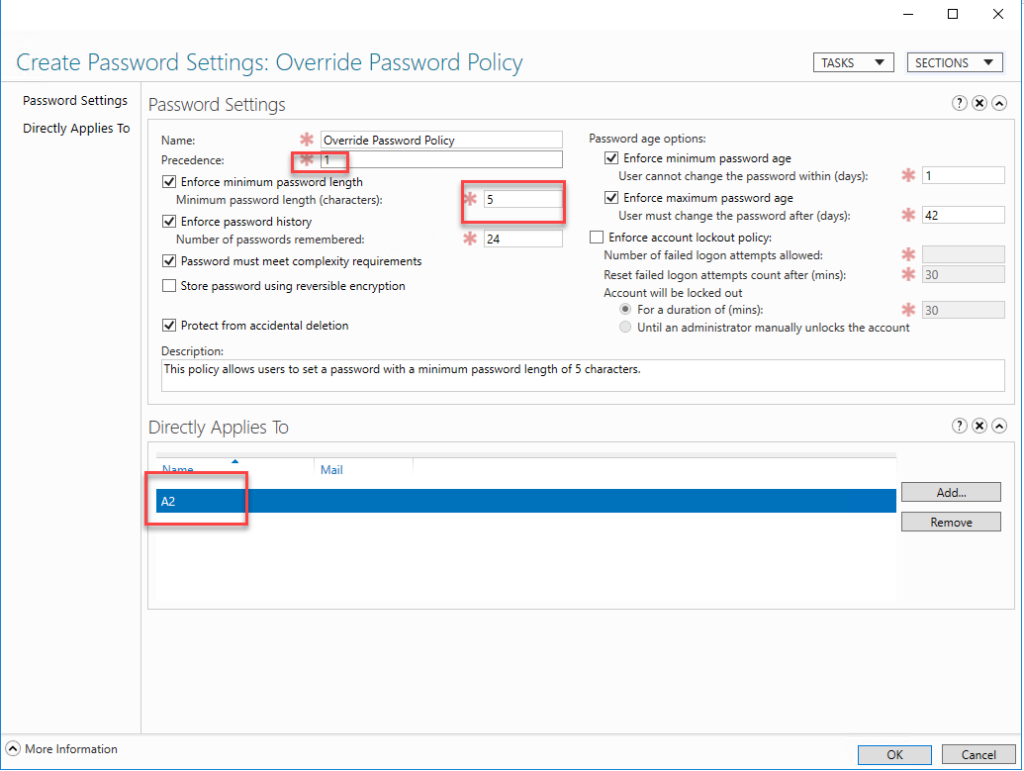
- In this window, you must select the name of the PSO, as well as its precedence. Precedence refers to the priority level of the PSOs. In this PSO, I will apply it so that users can set a password with a minimum of 5 characters, and I will only apply it to one user. These PSOs can be applied to users or groups.
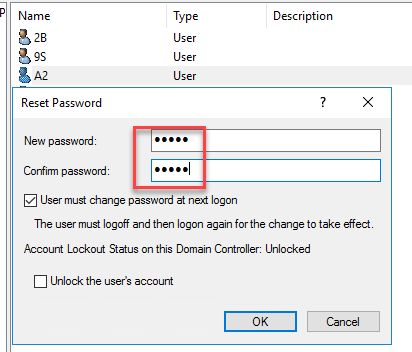
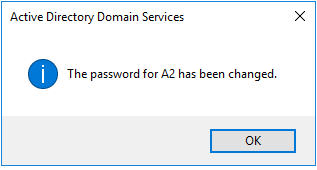
- When testing a user with a 5-character password, it is allowed.
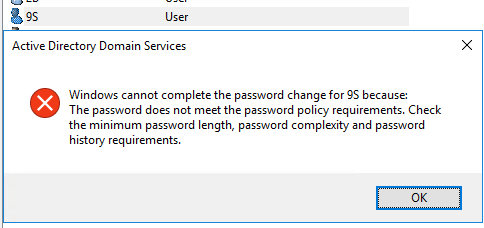
- If I try to apply a 5-character password to another user, I get the typical error stating that the password does not comply with the password policies within the domain.
Once the Password Configuration Object (PSO) is configured, the affected users must comply with the password policies established in the PSO. Administrators can create multiple PSOs to apply different policies to different user groups. It is important to note that once a PSO is applied to a user group, it cannot be deleted, only disabled.
In summary, configuring Password Configuration Objects (PSOs) in Active Directory is an excellent way to establish security policies for user passwords. The process is simple and allows for the customization of policies according to the needs of each user group.