Before starting any configuration, we must verify the Active Directory requirements to begin installing Exchange in our environment.
The minimum requirements for our domain controller must be Windows Server 2008 R2 Datacenter RTM or later.
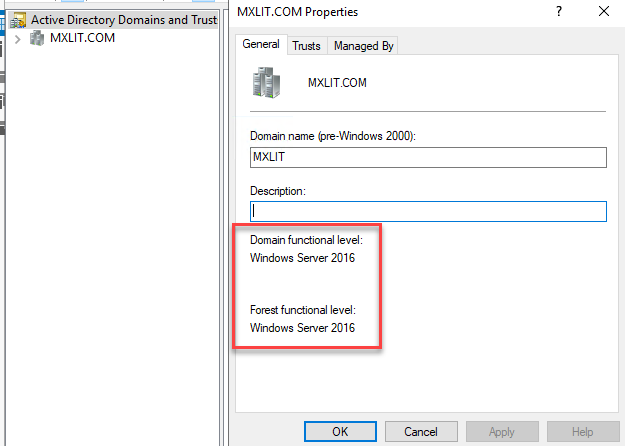
The minimum for the Active Directory forest is also Windows Server 2008 R2 or later.
You can find all these requirements in detail at the following link.
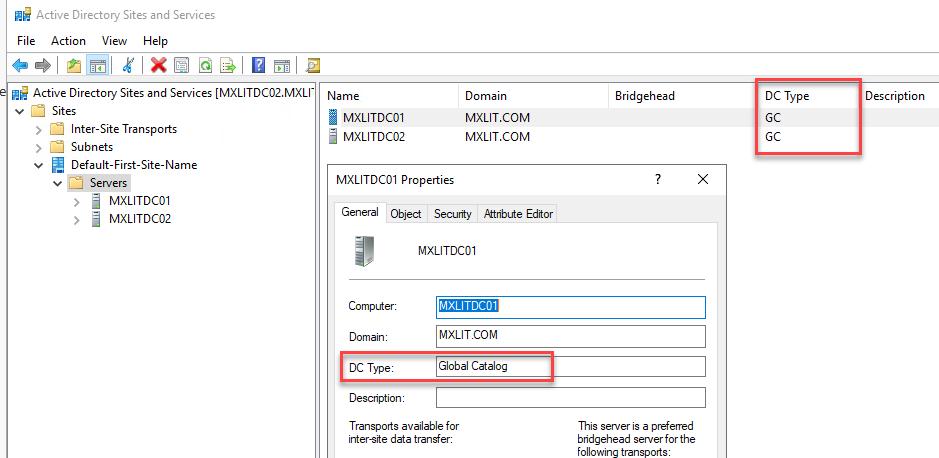
Another requirement is having .NET Framework 4.8 installed. It’s also recommended that each Active Directory site where you plan to install Exchange Server 2016 should have at least one domain controller with the global catalog.
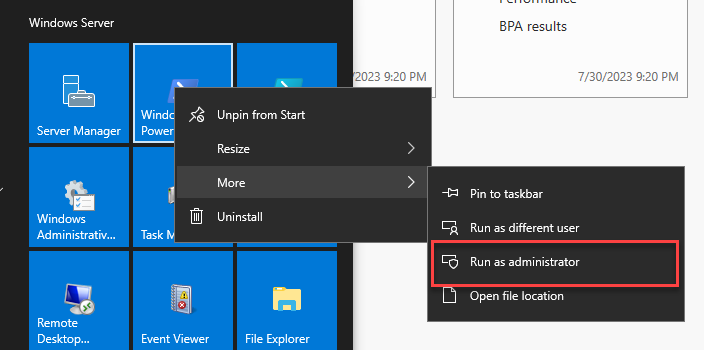
Let’s proceed to install the AD tools on our Exchange Server. To do this, open PowerShell as an administrator.
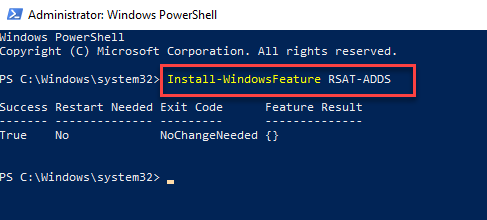
Enter the following command to install the tools:
Install-WindowsFeature RSAT-ADDS
Verify the Forest Level of your domain. Open Active Directory Domain and Trusts, right-click on your domain, and select Properties.
As mentioned in the previous requirements, it is recommended to have a domain controller with a global catalog within the site. To do this, you can check in Active Directory Sites and Services > Sites > “Your site name” > Servers > Right-click and select Properties on one of the domain controllers.
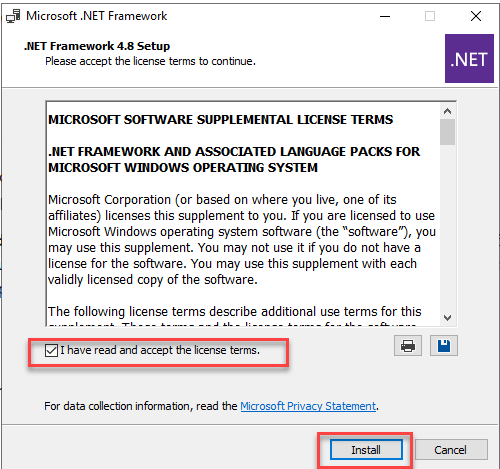
The last thing we need to ensure we have ready is .NET Framework 4.8, which we can download from the following link: link..
Once downloaded, accept the terms and click Install.
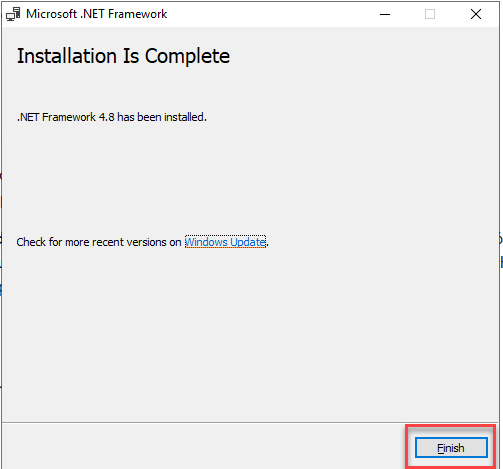
When finished, simply click Finish.
Once we have completed these steps, we can proceed to the next post to extend the Active Directory schema.