In this post, we’ll see how to extend the Active Directory schema and prepare it for an Exchange installation.
The Active Directory schema is a fundamental component of the network management technology developed by Microsoft, known as Active Directory. Simply put, we could think of the schema as the “DNA” of Active Directory, as it defines and organizes the structure and attributes of the objects that can be stored in the directory.
In more detail, the Active Directory schema establishes the rules and categories for the different types of objects that can be created and stored in an Active Directory environment. These objects include users, groups, computers, printers, and many other network resources. Furthermore, the schema defines the attributes that each object type can contain, such as name, email address, phone number, etc.
With some context about what the Active Directory schema is, we will proceed to extend it. To do this, we must run this procedure with an account that is part of the “Schema Admins” and “Enterprise Admins” groups.
The first thing we need are the Exchange Server installation files, which we can download from the following link.
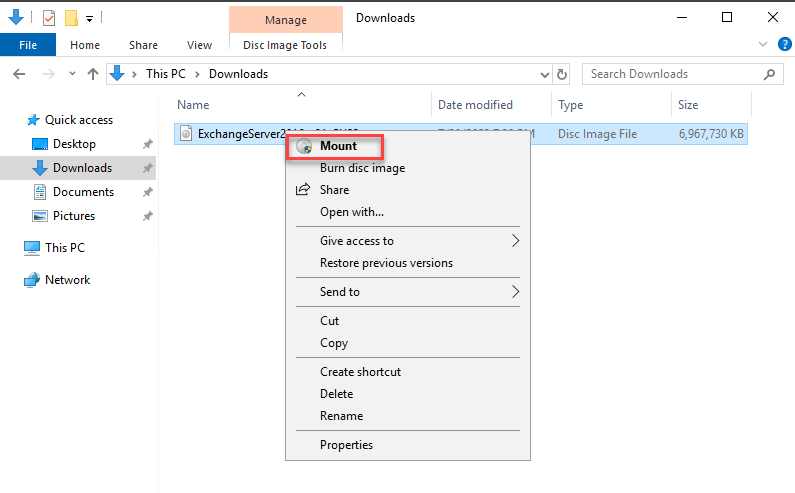
Once the ISO is downloaded, right-click on it and mount it.
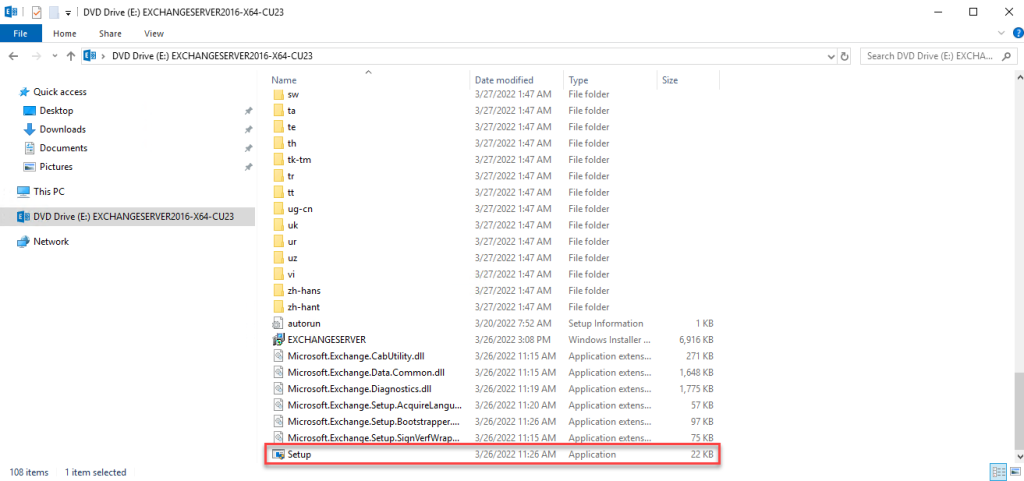
Verify that the ISO has mounted correctly, as we are interested in the Setup.exe file.
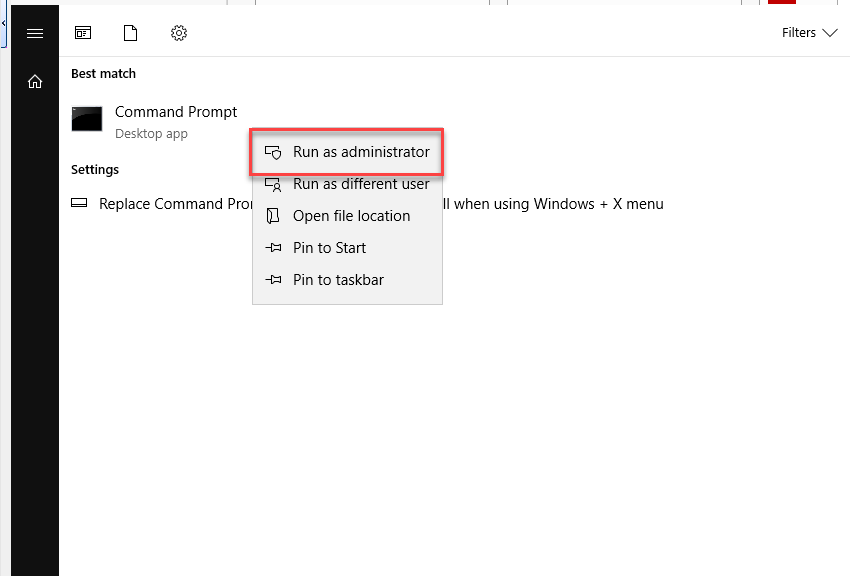
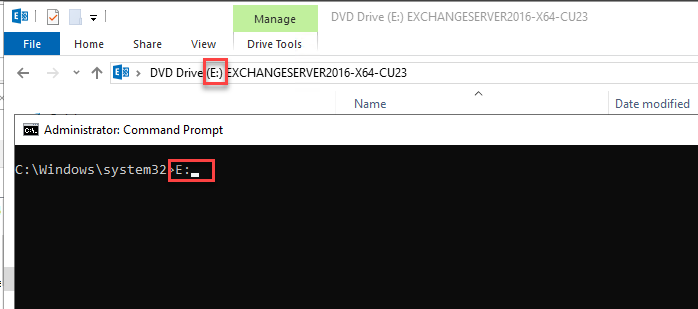
Now, run Command Prompt as administrator and change to the drive where the Exchange installation files are located.
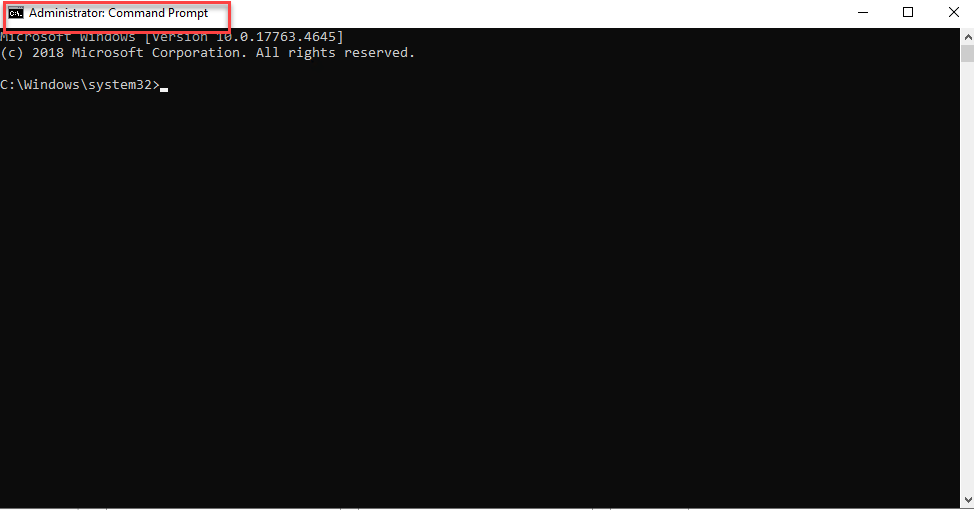
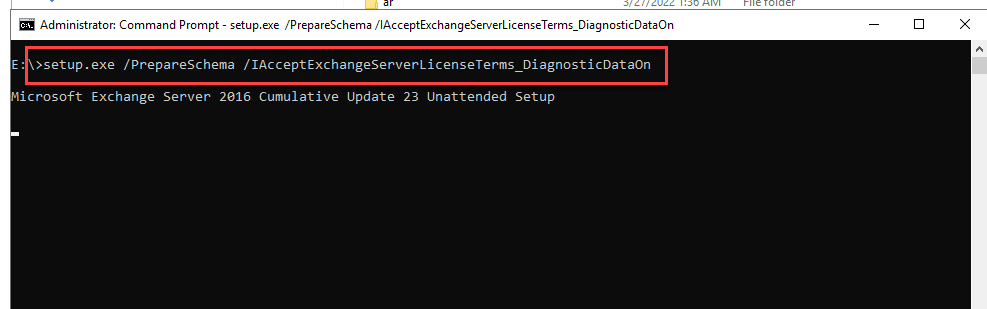
Run the following command to extend the schema.
setup.exe /PrepareSchema /IAcceptExchangeServerLicenseTerms_DiagnosticDataOn
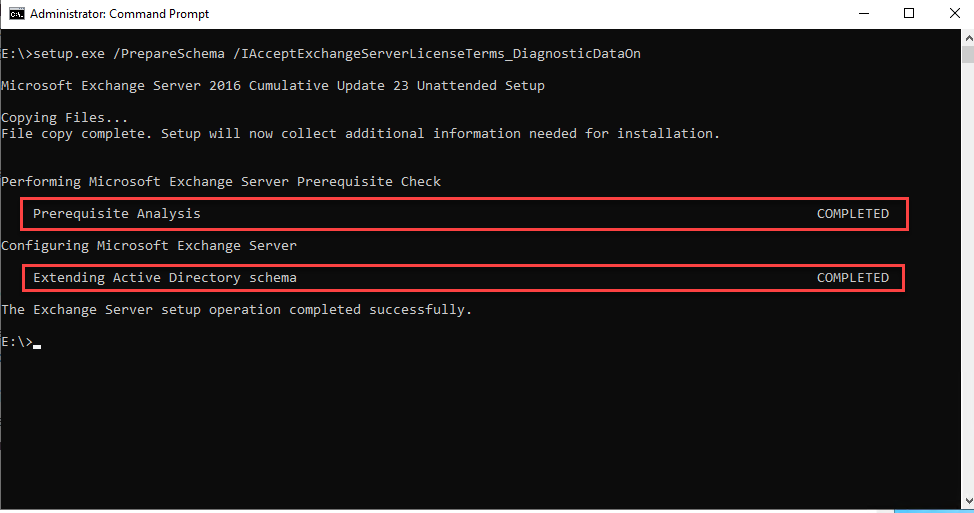
Once it finishes, you will see that the operation was successful.
From here, we can proceed with the following steps.