For security and performance reasons, it is recommended to install Exchange only on member servers and not on Active Directory servers.
In this post, we will see a series of prerequisites that are necessary for installing Exchange.
To do this, we will begin by running the following command in PowerShell as an administrator.
Install-WindowsFeature NET-Framework-45-Features, RPC-over-HTTP-proxy, RSAT-Clustering, RSAT-Clustering-CmdInterface, RSAT-Clustering-Mgmt, RSAT-Clustering-PowerShell, Web-Mgmt-Console, WAS-Process-Model, Web-Asp-Net45, Web-Basic-Auth, Web-Client-Auth, Web-Digest-Auth, Web-Dir-Browsing, Web-Dyn-Compression, Web-Http-Errors, Web-Http-Logging, Web-Http-Redirect, Web-Http-Tracing, Web-ISAPI-Ext, Web-ISAPI-Filter, Web-Lgcy-Mgmt-Console, Web-Metabase, Web-Mgmt-Console, Web-Mgmt-Service, Web-Net-Ext45, Web-Request-Monitor, Web-Server, Web-Stat-Compression, Web-Static-Content, Web-Windows-Auth, Web-WMI, Windows-Identity-Foundation, RSAT-ADDS
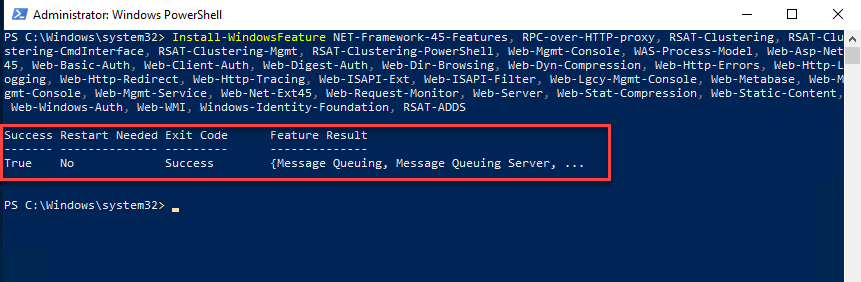
After the installation is complete, restart your system. You can also add -Restart to the end of the script to restart automatically.
We need to install a series of software programs in the order described in the following Microsoft link.
a. .NET Framework 4.8, however, it was already installed.
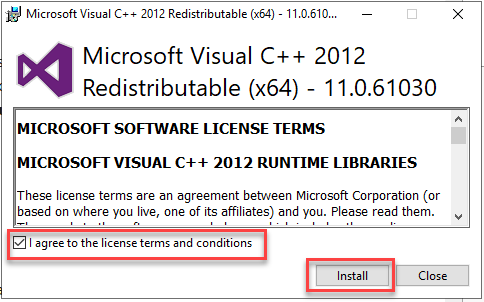
b. Visual C++ Redistributable Package for Visual Studio 2012
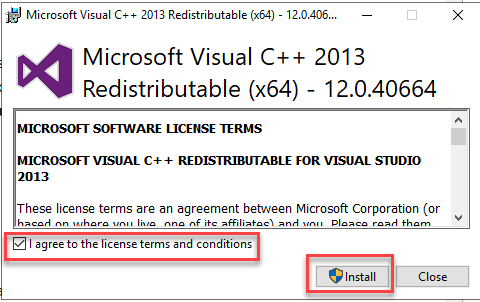
c. Visual C++ Redistributable Package for Visual Studio 2013
Note
- The system requirements for the Visual C++ Redistributable Package do not mention compatibility with Windows Server 2016, Windows Server 2019, or Windows Server 2022, but it is safe to install the redistributable package on those versions of Windows.
- You can view general information about the latest supported versions at: Visual C++ Redistributable Versions.
- Only the Mailbox role requires the Visual C++ Redistributable Packages for Visual Studio 2013. Installations of the Exchange Management Tools and Edge Transport servers require only the Visual C++ Redistributable Packages for Visual Studio 2012.
Note
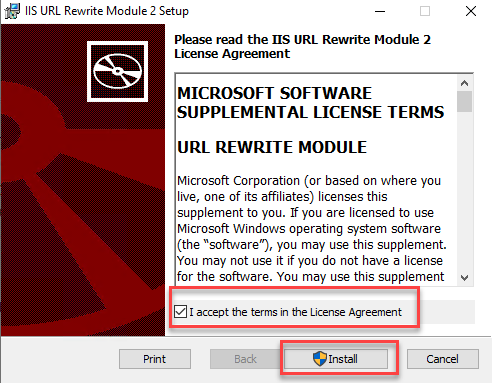
The IIS URL Rewrite Module is required with Cumulative Update 22 or later.
e. Update for Universal C Runtime in Windows (KB2999226)
Note: The Universal C Runtime update in Windows (KB2999226) is required on Server 2012 R2 with Cumulative Update 22 or later. If you are using Windows Server 2016 and it is up to date, you can skip this update.
f. Microsoft Unified Communications Managed API 4.0, Core Runtime 64-bit
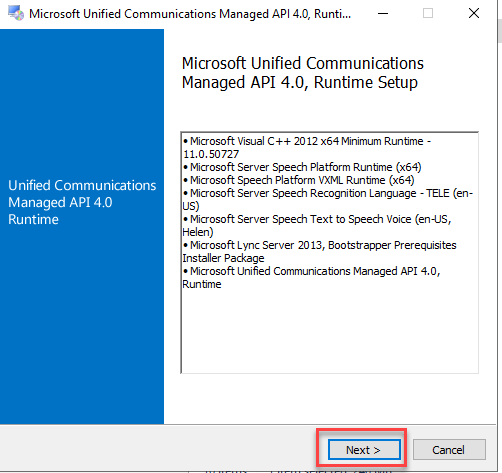
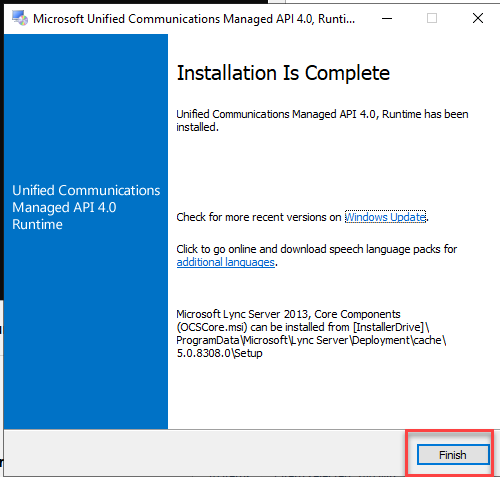
Finally, check for pending updates for the modules you just added and install them. Once finished, restart your system.
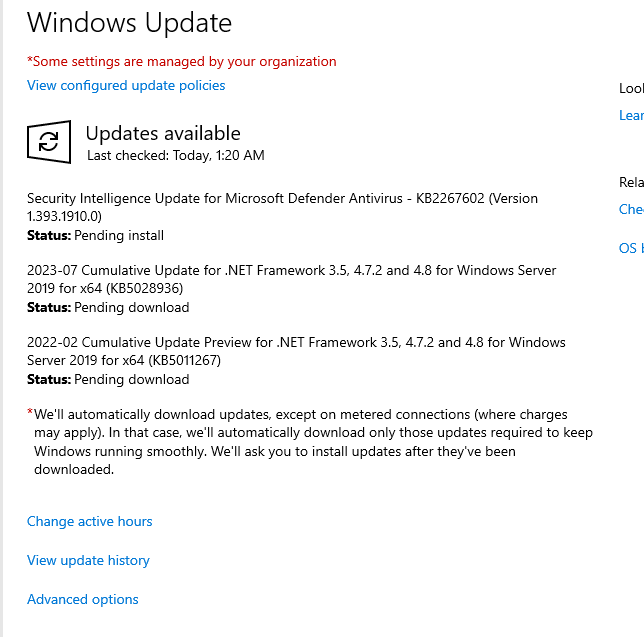
With these steps, we are now ready to install Exchange Server 2016 in our domain.
In the next post, we will see how to perform the installation step by step.